Motorola Motorola Edge 2025 Device Help & How-To Guides
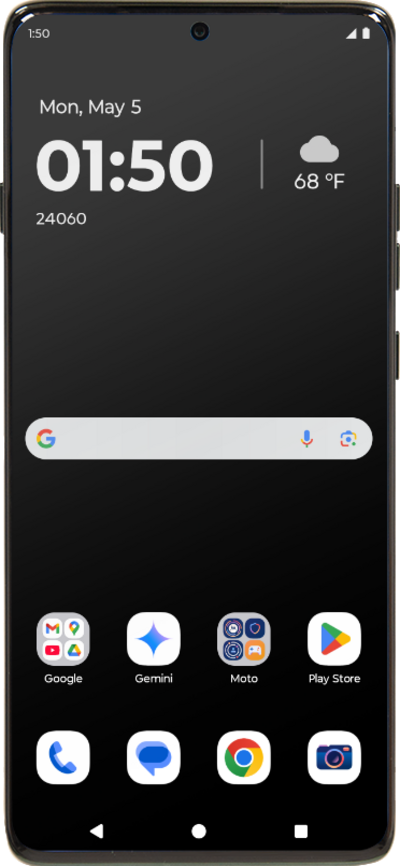
What would you like to learn about your device?
Trending Motorola Edge 2025 topics
Setting up Voicemail
Learn how to set up Voicemail so that you can store messages from calls you missed. If your Voicemail Icon does not appear try restarting your phone.
ExploreResetting your Google Account password
You can change your password if you have forgotten your password or have another reason to change it. Using a strong password can help keep your account information safe. Using at least eight characters and adding capitalization and symbols can help strengthen your password.
ExploreUnlocking the screen
Learn how to unlock the screen on your device. You can change your lock screen to have different types of security locks, including pattern, pin and password. Your device may automatically lock after a certain amount of time depending on your screen timeout settings. Ensure that you remember the code for unlocking your device; if you forget your unlock code you may lose the information on your device.
ExploreChanging account settings
When you set up an email account on your device, it may also sync your contacts or your calendar to your device. You can change those settings to only sync the data from the account that you want on the device.
Explore