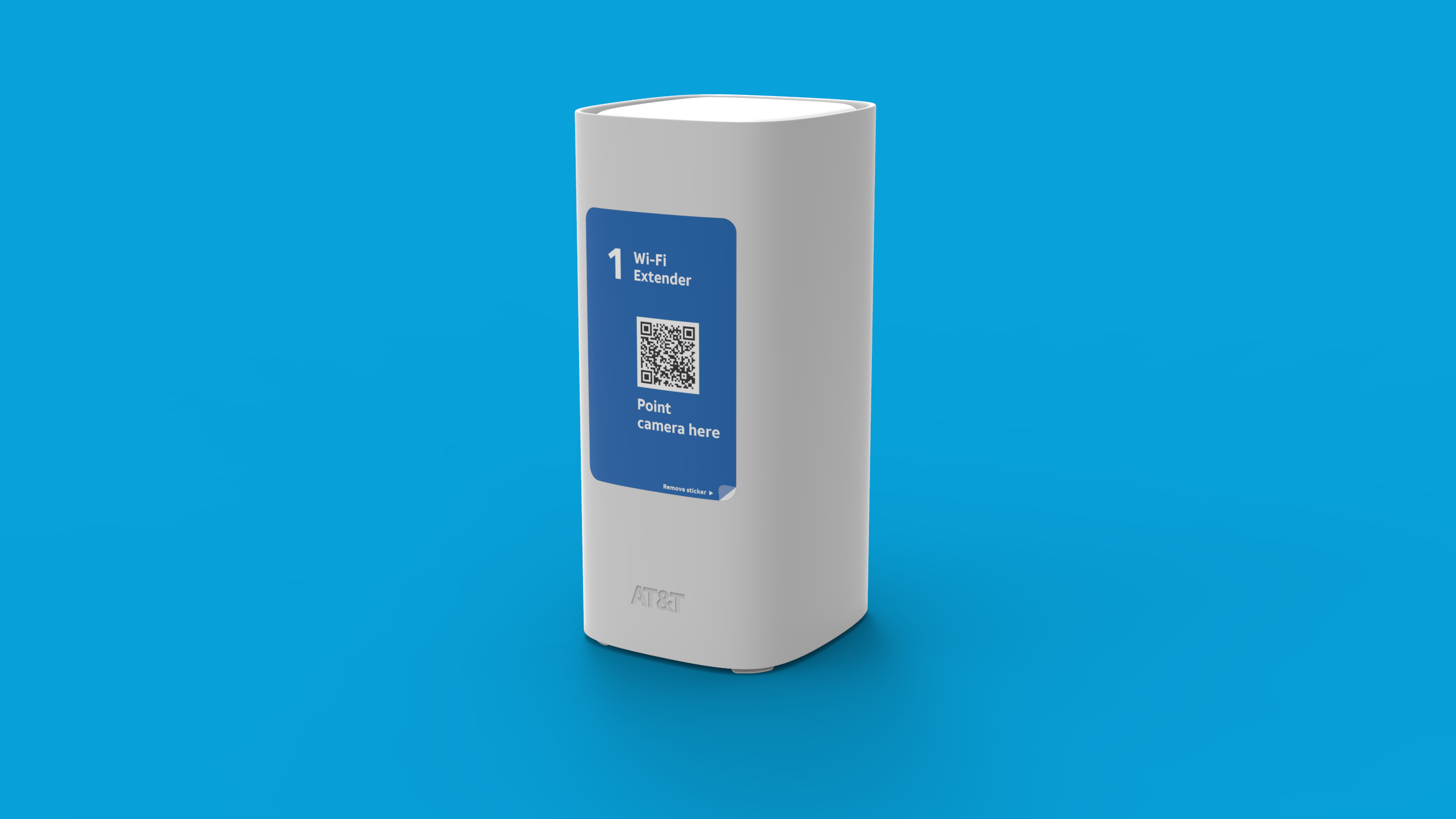
Set up your AT&T All-Fi Extender

Find out how to set up your AT&T All-Fi Extender and connect it to your AT&T All-Fi Hub or Wi-Fi gateway.


AirTies 4971EM

For a successful setup, make sure you have:

  • AirTies 4971EM All-Fi extender1
  • An AT&T internet service (home or business)
  • BGW320, CGW450 or BGW530 All-Fi Hub™
  • A single Wi-Fi name and password for both radio bands on your gateway. Learn more about band steering
  • AT&T Smart Home Manager app (suggested for easy Wi-Fi management).

Get your setup guide:

See all important details


AirTies 4971

For a successful setup, make sure you have:

  • AirTies 4971 All-Fi Extender1
  • An AT&T internet service (home or business)
  • Pace 5268AC, BGW210, or BGW320 All-Fi Hub™
  • A single Wi-Fi name and password for the radio bands on your hub. Learn more about band steering
  • AT&T Smart Home Manager app (suggested for easy Wi-Fi management).

Get your setup guide:

See all important details


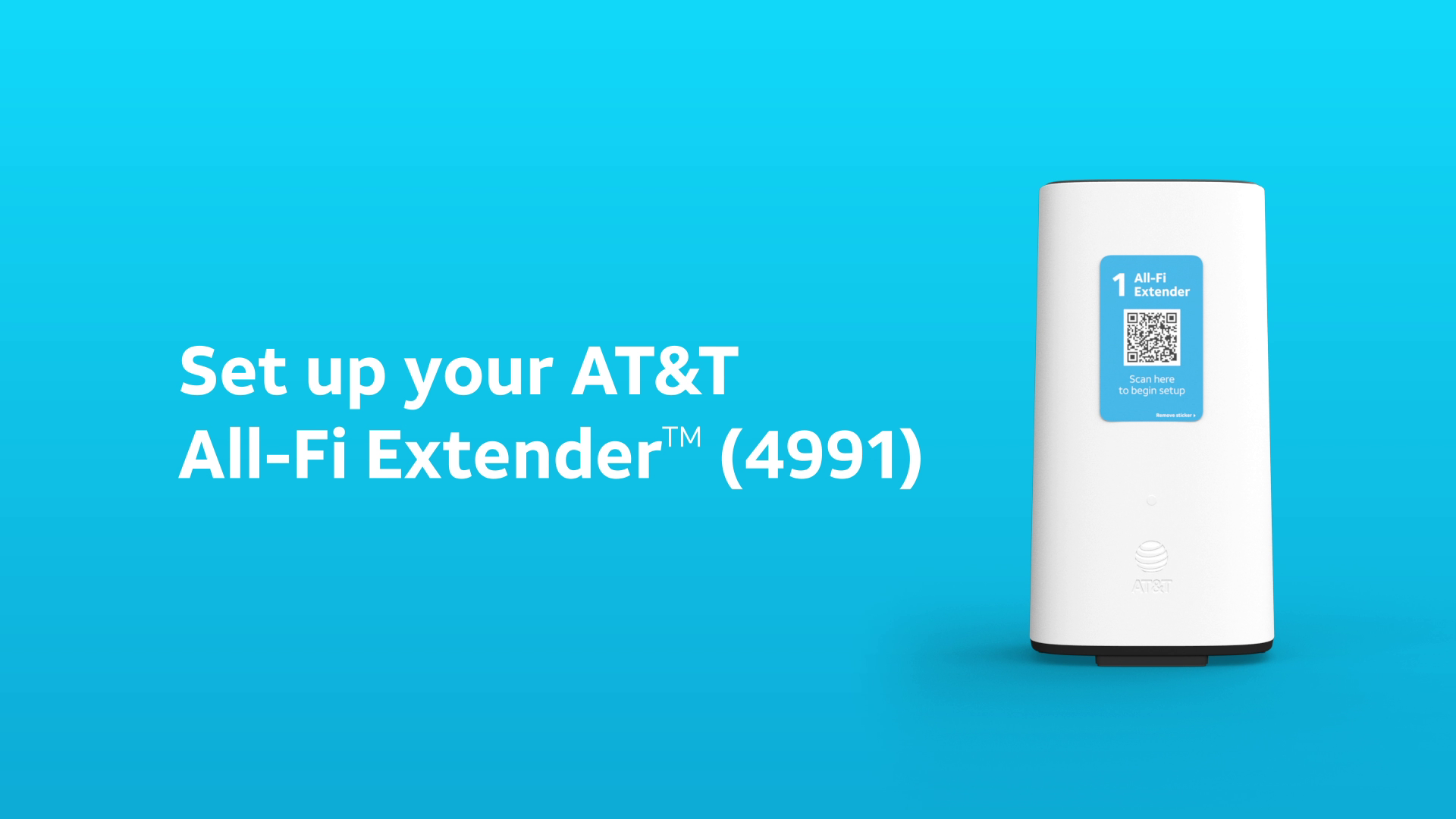
AirTies 4991

For a successful setup, make sure you have:

  • AirTies 4991 All-Fi Extender1
  • An AT&T internet service (home or business)
  • BGW620 All-Fi Hub™
  • A single Wi-Fi name and password for the radio bands on your hub. Learn more about band steering
  • AT&T Smart Home Manager app (suggested for easy Wi-Fi management).

Get your setup guide:

Additional info

Safety and regulatory information (PDF, 2MB)

See all important details


Last updated: February 6, 2025

Did you get the help you needed?


Did you get the help you needed?