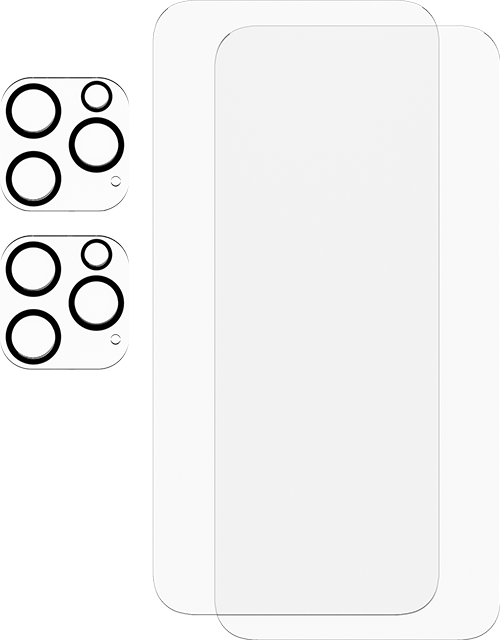
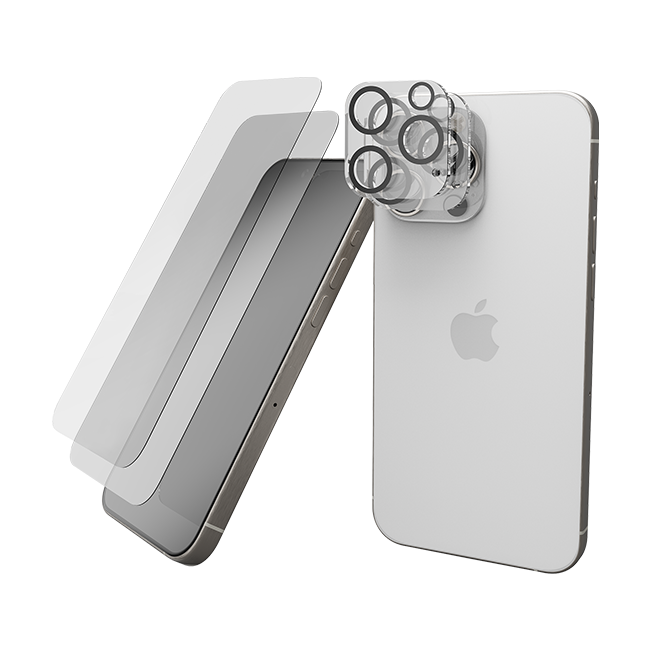
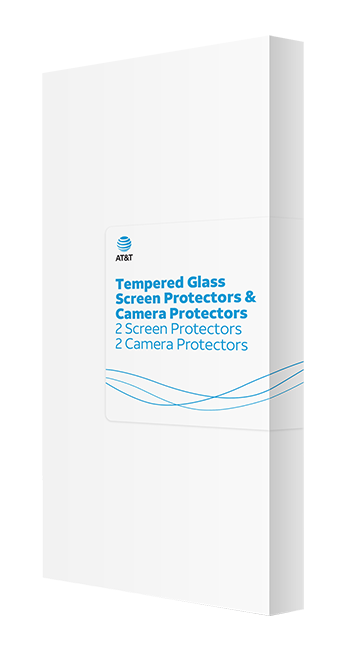
AT&T Essentials Tempered Glass 2 Pack Screen Protectors + 2 pack Camera Protectors - iPhone 15 Pro
This AT&T Essentials Tempered Glass 2 Pack Screen Protectors + 2 pack Camera Protectors - iPhone 15 Pro is no longer available.
Overview
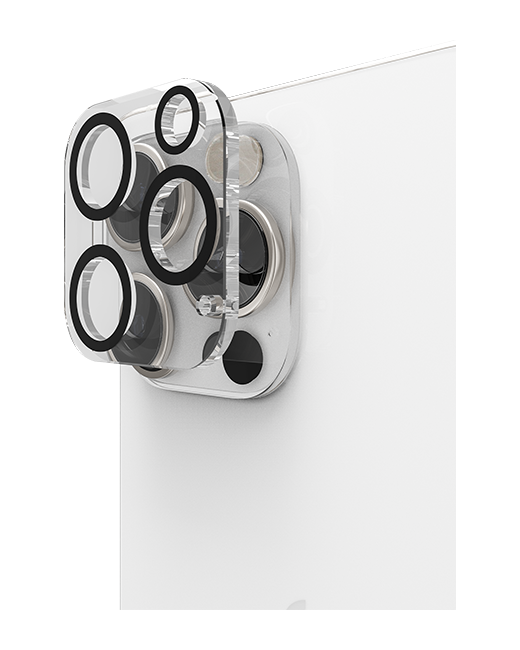
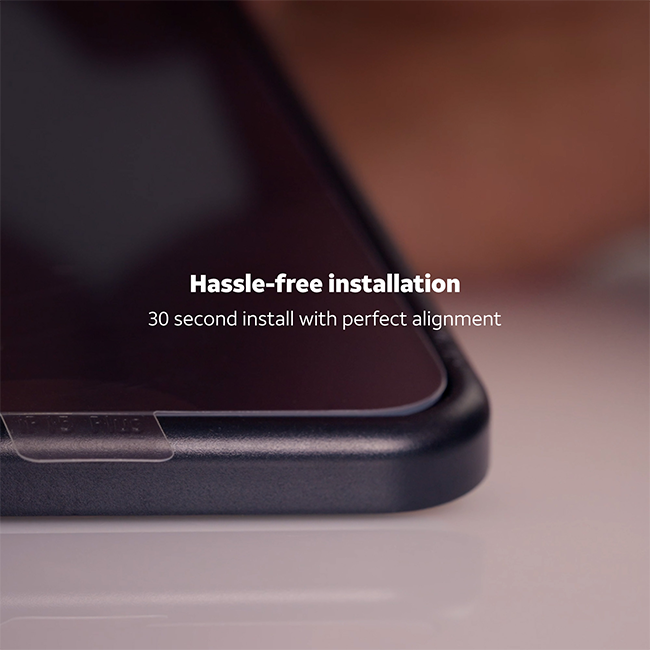
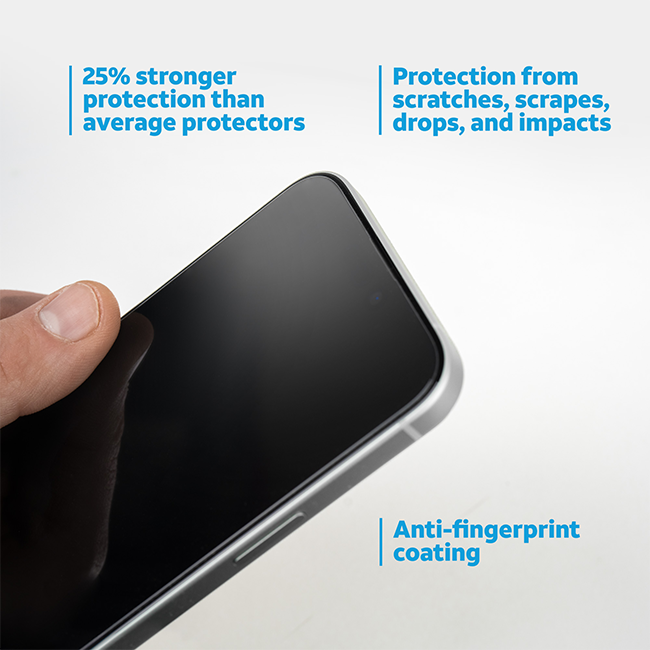
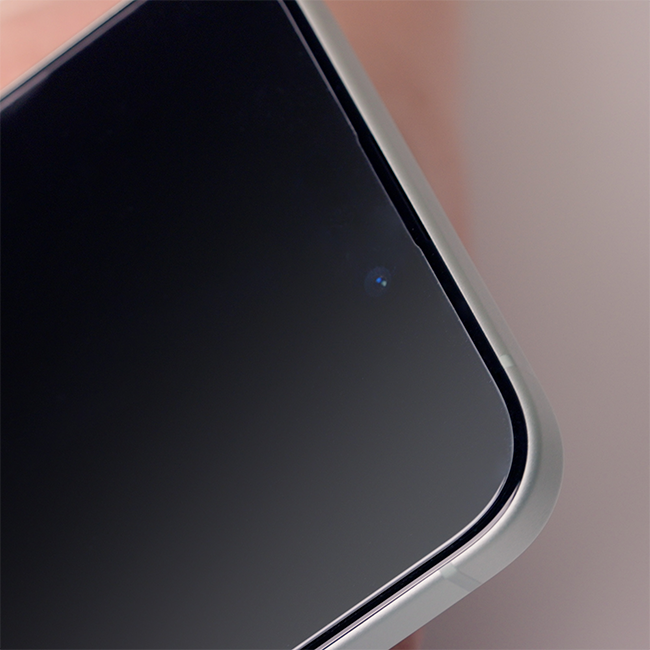
Discover unparalleled protection with our cutting-edge screen protectors, crafted from premium aluminosilicate glass—engineered to be tough and ready to take on the challenges of daily life, absorbing shocks and resisting impacts with ease. These protectors are a gamechanger, offering a significant boost in scratch resistance and 25% more protection than your average protector. We've infused each screen protector surface with an advanced anti-fingerprint coating to keep your screen looking immaculate and crystal clear. Plus, no need to worry about our camera protectors interfering with new technology. Our lens protectors integrate perfectly with the augmented reality, nighttime photography, and all other functions of the camera. We also made sure installation is a breeze. We've included an installation tool that makes aligning the protector with your screen effortless. No more bubbles, no more fuss. Plus, with a two-pack of protectors, you can swap them out anytime you want and always keep that fresh screen feeling.
Select to rate the item with 1 star. This action will open submission form.
Select to rate the item with 2 stars. This action will open submission form.
Select to rate the item with 3 stars. This action will open submission form.
Select to rate the item with 4 stars. This action will open submission form.
Select to rate the item with 5 stars. This action will open submission form.
Adding a review will require a valid email for verification
Average customer ratings
Performance
Performance, 2.0 out of 5
2.0
Filter Reviews
Filters
Sort by
Most recent
1 to 2 of 8 reviews .
1 – 2 of 8 reviews
2 out of 5 stars.
Cracks easily
a year ago
I thought the screen protectors would be a great accessory for my new phone but these crack so easily. I tapped the corner of my phone shortly after installing the screen protector and the protector totally shattered :(. I never installed the spare screen protector. I do like the lens protectors though. I was so upset about the screen protector cracking, I didn’t take a photo before removing it and throwing it away.
No, I do not recommend this product.
Helpful?
Performance
Performance, 2.0 out of 5
2.0
Response from AT&T:
11 months ago
AT&T CARE
Hey Chez, thank you for sharing your experience with us regarding the AT&T Essentials Tempered Glass 2 Pack Screen Protectors, we regret to hear that the product did not meet your expectations and that it cracked easily, resulting in your decision to dispose of it. Our sincerest apologies for any inconvenience this has caused, we understand that durability is an important factor when choosing a screen protector. We want to let you know that the screen protector comes with a lifetime warranty which you can go ahead and claim it at one of AT&T store, please reach out to us if you need any further assistance.
5 out of 5 stars.
Service was excellent
a year ago
I had speedy service with AT&T workers
Yes, I recommend this product.
Helpful?
6 Ratings-Only Reviews
Questions
Start typing your question and we'll check if it was already asked and answered.
1 - 1 of 1 question
Sort by
Featured questions first
Q: How do I remove the camera protector?
9 months ago
1 Answer
A: Hey Karen, to remove the camera protector from the AT&T Essentials Tempered Glass 2 Pack Screen Protectors + 2 pack Camera Protectors, follow these steps:
1.Prepare a clean workspace: Find a well-lit, clean area to work in, and lay a soft cloth or paper towel down to prevent scratches.
2.Use tape: Take a piece of strong tape, like duct tape or packing tape, fold it over itself to create a tab, and stick it onto the corner of the screen protector for a strong grip.
3.Lift gently: Once the tape is firmly attached, gently lift the tape tab upward, slowly pulling it away from the screen.
4.Apply consistent pressure: If the protector is stubborn, use a hair dryer on low heat and hold it a few inches away from the screen for about 15-20 seconds to help loosen the adhesive.
5.Repeat if necessary: If any part remains stuck, use more tape and repeat the lifting process. Try different corners, if necessary, until the entire protector is removed.
For deeper cleaning, use a soft microfiber cloth with a bit of mild soapy water to clean any adhesive residue or marks left on the screen. Ensure the screen is completely dry before applying a new protector or using the phone. Patience is key during this process to avoid damaging the screen or leaving adhesive residue.
9 months ago
Helpful?
We use cookies to help enhance your experience on our site and for analytics. We also may use cookies for marketing purposes. You can manage your preferences and opt out of the sharing for targeted advertising and sales of cookie data.
Learn more about our approach to privacy at att.com/privacy.