Performing a factory reset
Galaxy Tab S6
Performing a factory reset
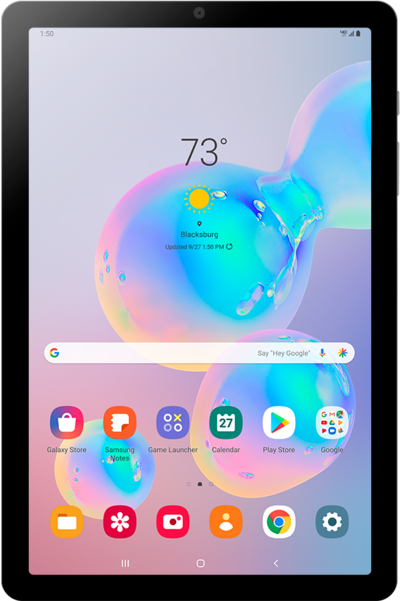
A factory reset will erase all data from your device and is irreversible. This is good to do if you are going to trade in or sell your device. It will wipe all of your personal information from the device.
1.
From the Home screen, swipe up to view your apps.
2.
Tap the Settings icon.
3.
Scroll to General management.
4.
Tap General management.
5.
Tap Reset.
6.
Tap Factory data reset.
Before you proceed, make sure to back up all photos, videos, and data you'd like to keep. When you factory reset your device, all your files will be deleted.
7.
Scroll to Reset.
8.
Tap Reset.
9.
Tap Delete all.
10.
You've completed the steps!
