Switching between companion mode and standalone mode
Galaxy Watch
Switching between companion mode and standalone mode
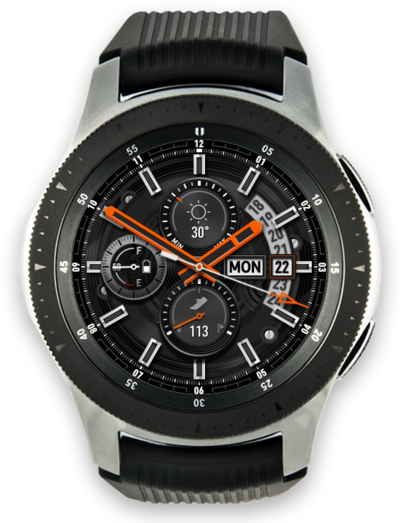
Switching your watch from companion to standalone mode will enable it to function independently from your phone.
1.
From a watch face, press the Home button.
While your watch is connected via Bluetooth you will see "Connected using Bluetooth at the bottom of the Quick settings panel.
2.
Tap the Settings icon.
3.
Scroll to Connections.
4.
Tap Connections.
5.
Tap Bluetooth.
6.
Switch Bluetooth to OFF.
7.
Drag down the Quick settings panel.
As long as you are connected to a mobile network or have a Wi-Fi connection, your watch will be placed in Standalone mode.
8.
You've completed the steps!
