Adjusting the screen timeout and brightness
XP3Plus
Adjusting the screen timeout and brightness
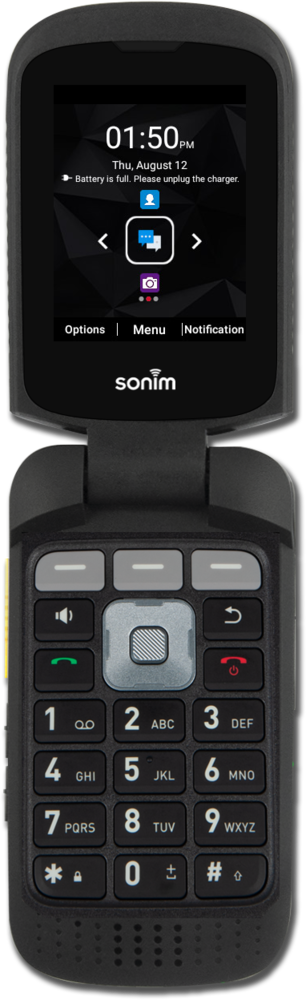
Changing the length of time before the lock screen shows up, known as screen timeout, and brightness of your device can impact your battery life. Decreasing the time of inactivity before your device goes to sleep and lowering the brightness of your device can help extend your device's battery life.
1.
From the Home screen, press the Middle button to open the app list.
2.
Navigate to Settings.
3.
Press the Select button.
4.
Navigate to Display.
5.
Press the Select button.
6.
Press the Select button again.
Lowering the screen's brightness can help to extend your phone's battery life.
7.
Use the Navigation buttons to adjust the brightness.
8.
Press the Back button.
9.
Navigate to Sleep.
Decrease the screen timeout to help extend the battery life of your phone.
10.
Press the Select button.
11.
Navigate to your new timeout duration.
12.
Press the Select button.
13.
You've completed the steps!
