Adjusting your auto-lock and brightness preferences
iPad Air 2
Adjusting your auto-lock and brightness preferences
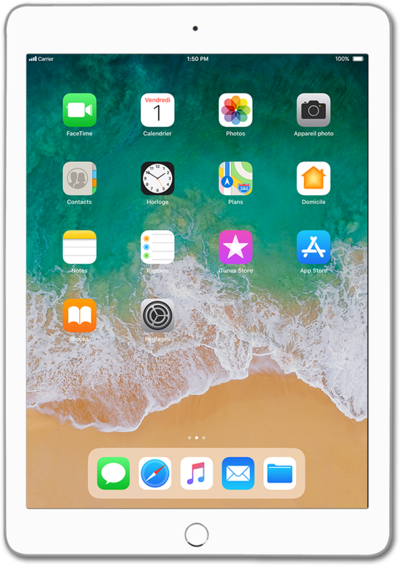
Changing the length of time before the lock screen shows up (known as screen timeout), and brightness of your device can impact your battery life. Decreasing the time of inactivity before your device goes to sleep and lowering the brightness of your device can help extend your device's battery life.
1.
From the Home screen, tap Settings.
2.
Tap Display & Brightness.
3.
Tap Auto-Lock.
4.
Select your Auto-Lock preferences.
Decrease the Auto-Lock time to help extend iPad battery life and increase security.
5.
Tap Display & Brightness.
6.
Select your brightness preference.
Decrease your brightness to help extend iPad battery life.
7.
You've completed the steps!
