Changing roaming settings for a trip
Pixel 3a
Changing roaming settings for a trip
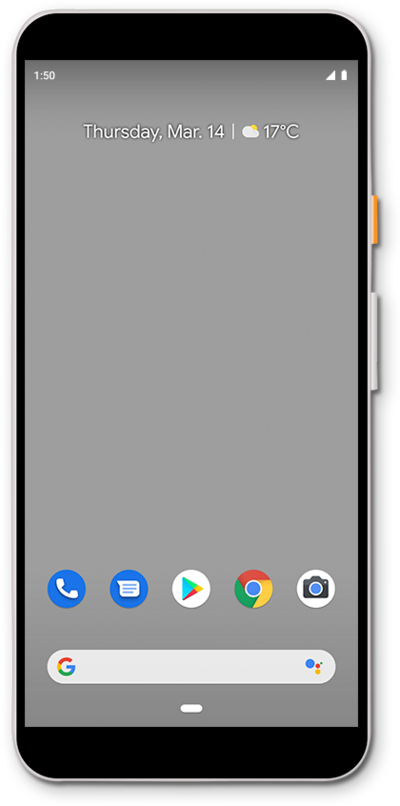
When traveling internationally, you may want to turn data roaming on and off to conserve data and minimize unwanted fees.
1.
From the Home screen, drag down the Notification panel.
2.
Drag down the Quick settings panel.
3.
Tap the Settings icon.
4.
Tap Network and Internet.
5.
Tap SIMs.
6.
Tap or slide Roaming switch to ON.
Turning Data roaming on allows you to connect to data services while roaming. Turn Data roaming off to keep from incurring significant charges.
7.
Tap OK.
8.
Scroll to Preferred network type.
9.
Tap Preferred network type.
10.
Select your preferred setting.
11.
You've completed the steps!
