Using Extreme Battery Saver mode
Pixel 9a
Using Extreme Battery Saver mode
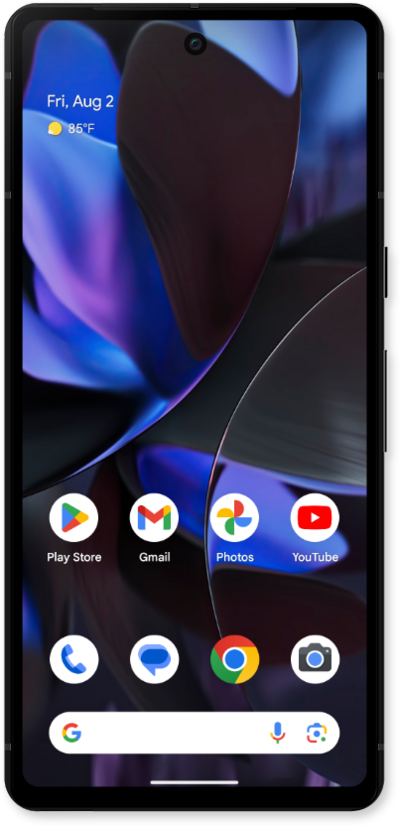
Extreme Battery Saver pauses most apps, turns off features, and slows processes in addition to what Battery Saver limits.
1.
From the Home screen, drag down the Notification panel.
2.
Drag down the Quick settings panel.
3.
Swipe to Battery Saver.
Extreme Battery Saver helps you increase battery life by using your device less. It also turns off some power-heavy features like Wi-Fi hotspot, background activity, and more.
4.
Tap and hold Battery Saver.
5.
Tap the Extreme Battery Saver settings cog.
6.
Tap the plus icon next to the apps you would like to keep running in Extreme Battery Saver Mode.
To save the most battery, only choose critical apps.
7.
You've completed the steps!
