Screening an incoming call
Pixel 9a
Screening an incoming call
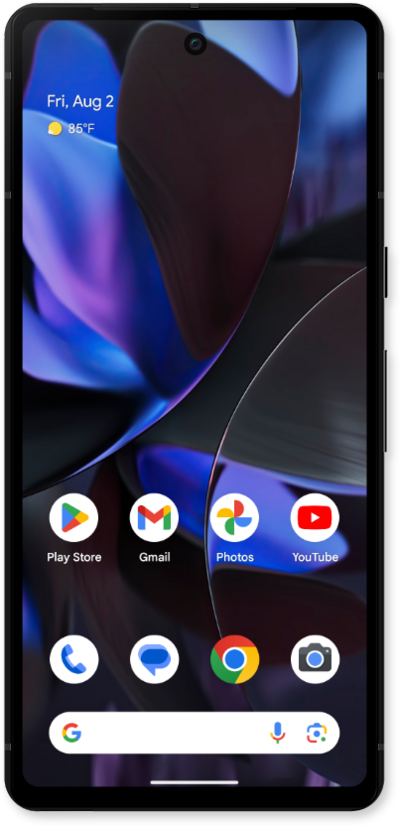
You can use Google Assistant to ask for more information from incoming callers, so you can determine whether you need to answer or not.
1.
From an incoming call, tap Screen call.
From this screen, you can see the conversation your Google Assistant is having with the caller in real time.
2.
Once the caller has stated their message, tap the Answer icon to answer the call.
3.
You've completed the steps!
