Restarting your phone
Pixel 9a
Restarting your phone
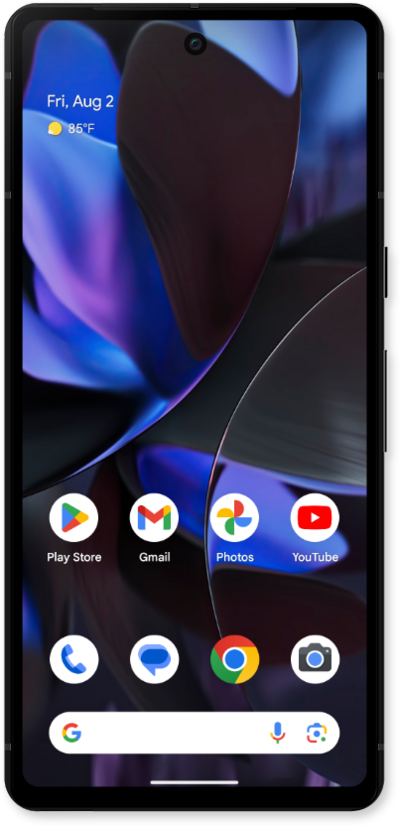
Learn how to turn your device off and back on again. Restarting your device is often the first step when troubleshooting a device issue.
1.
To turn the phone on, press and hold the Power button.
2.
To turn off the phone, drag down the Notification panel.
3.
Drag down the Quick settings panel.
4.
Tap the Power icon.
5.
Tap Restart.
6.
You've completed the steps!
