Lowering the frequency band for your hotspot
Galaxy S25 FE
Lowering the frequency band for your hotspot
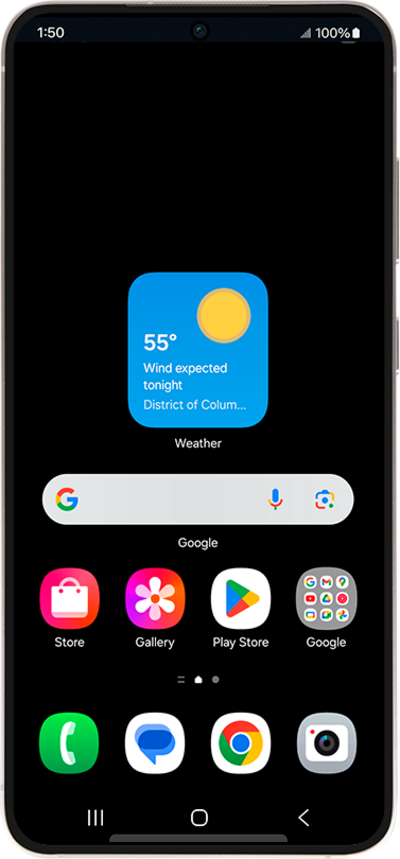
It’s common that newly developed smartphones will use a 5GHz frequency band to transmit data over a Wi-Fi connection. However, if the device you’re using to connect to your personal hotspot utilizes a 2.4 GHz frequency band instead, the device you're connecting with may experience connectivity issues. Follow along with these steps to force your device to use a 2.4GHz band to see if that eases your issue.
1.
From the Settings app, tap Connections.
2.
Tap Mobile Hotspot and Tethering.
3.
Tap Mobile Hotspot.
4.
Tap Band.
5.
Tap Band again.
6.
Choose a frequency band.
A 5 GHz frequency band can transmit data faster than a lower one, but some phones may not support this frequency and will not be able to find your hotspot.
7.
You've completed the steps!
