Importing and Exporting Contacts
50 XL NXTPAPER 5G
Importing and Exporting Contacts
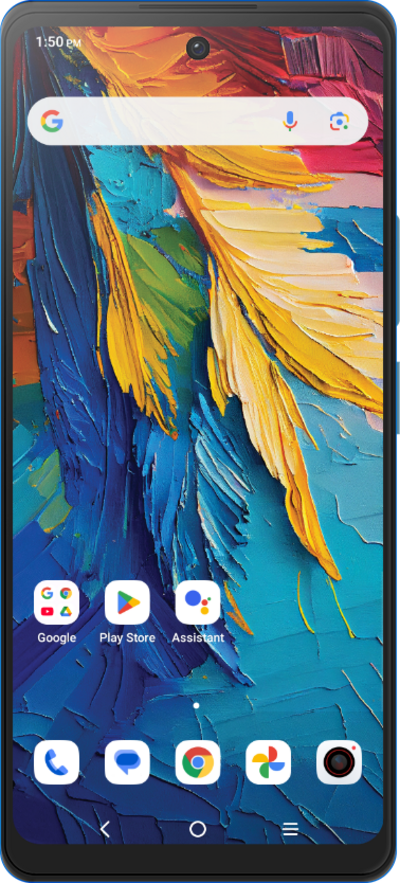
Import your contacts from a vcf file or from your SIM card. A vcf file can be exported from your old device and imported to your new device.
1.
From the Contacts app, tap the Fix & manage icon.
2.
Tap Import from file.
From this screen, you can select the source you'd like to import contacts from.
3.
Tap Cancel.
4.
Tap Export to file.
From this screen, you can select the destination you'd like to export contacts to.
5.
Select an account.
6.
Tap Export to .vcf file.
7.
You've completed the steps!
