Setting a screen time goal
Galaxy S25 Ultra
Setting a screen time goal
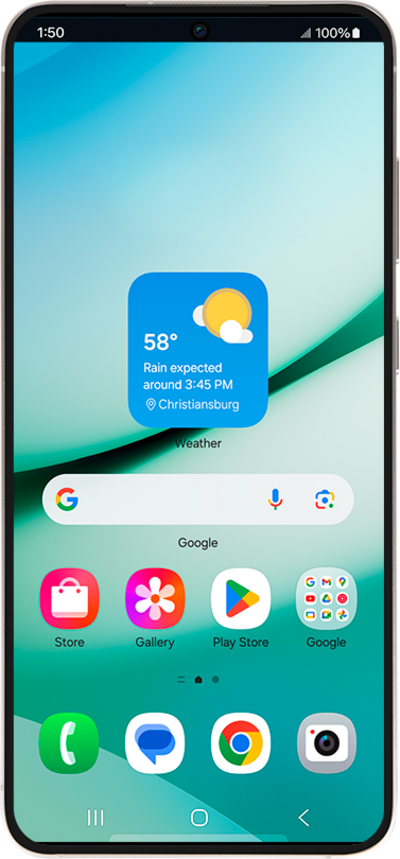
If you need a little help putting your phone down, you can give yourself a digital goal for how much you'd like to use your device each day.
1.
From Settings, scroll to and tap Digital Wellbeing and parental controls.
2.
Scroll to and tap Set goal.
3.
Enter your screentime goal time.
4.
Tap Done.
5.
You've completed the steps!
