Change how colors appear on your screen
Pixel 10 Pro XL
Change how colors appear on your screen
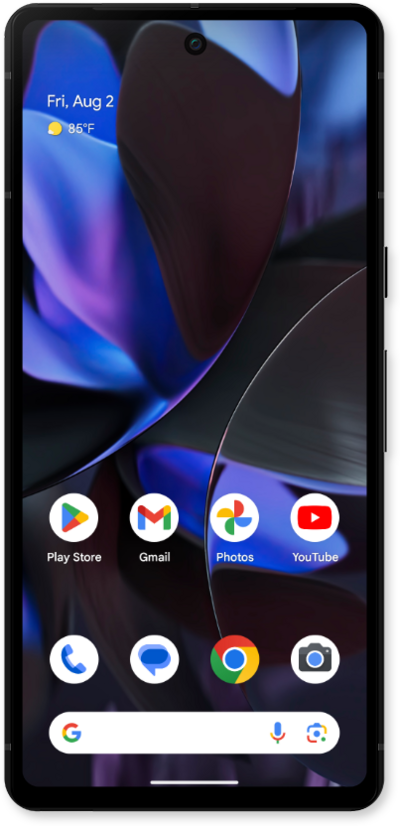
You can modify your screen's colors to make it easier to distinguish one from another.
1.
From within the Settings app, scroll to and tap Accessibility.
2.
Tap Color & motion.
3.
Tap Color correction.
4.
Scroll to the available Color correction options.
5.
Select a Color correction option.
6.
Tap the Use color correction switch to enable your select option.
7.
You've completed the steps!
