Blocking and unblocking a contact
Pixel 10a
Blocking and unblocking a contact
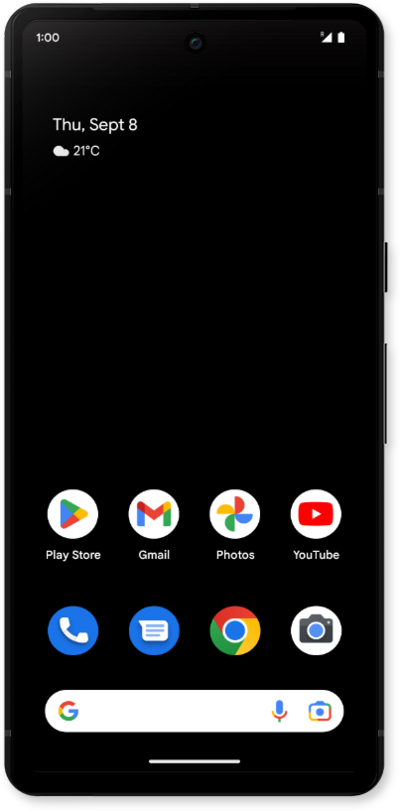
If you no longer want to receive text messages or phone calls from a contact, you can block their number on your device. This however does not prevent the contact from leaving voicemails.
1.
From the Contacts app, tap the Organize icon.
2.
Scroll to and tap Blocked numbers.
3.
Tap Add a number.
4.
Tap the phone number field and enter the number you want to block, then tap Block.
5.
To remove a number from your block list, tap the X beside the number.
6.
Tap Unblock.
7.
You've completed the steps!
