Hiding apps using Private Space
Pixel 8a
Hiding apps using Private Space
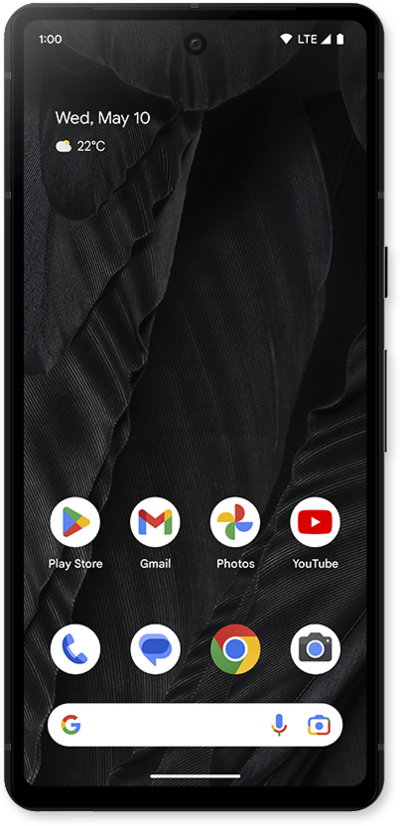
Learn how to hide certain apps using your private space on your phone.
1.
From the Settings app, scroll to and tap Security & privacy.
2.
Scroll to and tap Private space.
3.
Enter pin and tap Confirm.
If you don't have one, you'll be asked to set up a device screen lock.
4.
Tap Set up and follow on screen instructions.
5.
Scroll to Private space section.
6.
Tap the Lock icon to view your apps.
7.
Enter pin and tap Confirm.
8.
You've completed the steps!
