Viewing and managing blocked numbers
Pixel 7 Pro
Viewing and managing blocked numbers
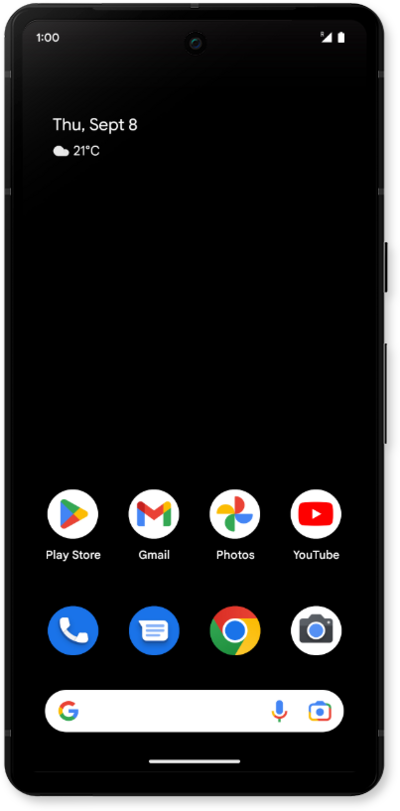
Learn how to view a list of your blocked numbers through the phone app.
1.
From the Phone app, tap the Sidebar icon.
2.
Tap Settings.
3.
Tap Blocked numbers.
4.
From this screen, you can view your list of blocked numbers, add or remove numbers, and enable the Unknown toggle to block calls from unknown callers.
5.
You've completed the steps!
