Enabling Call Screen to automatically screen incoming calls
Pixel 7 Pro
Enabling Call Screen to automatically screen incoming calls
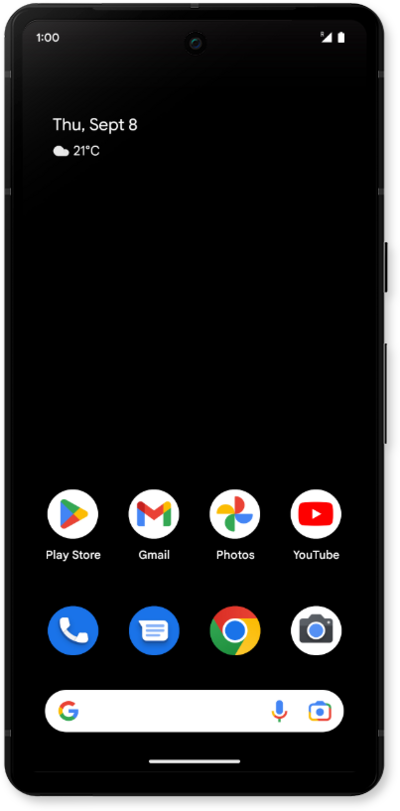
Learn how to use the Call Screening and Filtering features to automatically screen and filter your calls to help make informed decisions.
1.
From the Phone app, tap the Sidebar icon.
2.
Tap Settings.
3.
Tap Call Screen.
4.
Tap or slide the Automatically screen calls switch to ON.
5.
Choose your protection preferences.
6.
You've completed the steps!
