Using Photo Unblur
Pixel 6
Using Photo Unblur
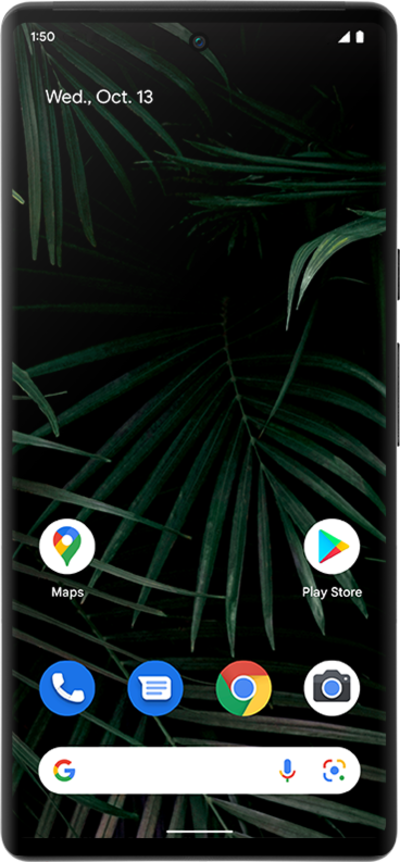
Learn how to use the Photo Unblur feature to clean up and enhance your blurry pictures.
1.
From the Google Photos application, select the photo you want to edit.
2.
Tap Edit.
3.
Tap Tools.
4.
Tap Unblur.
5.
Drag the slider to adjust the blur.
6.
Tap the Checkmark icon.
7.
Tap Save as copy.
8.
You've completed the steps!
