Changing the app launcher style of your watch
Pixel Watch 3
Changing the app launcher style of your watch
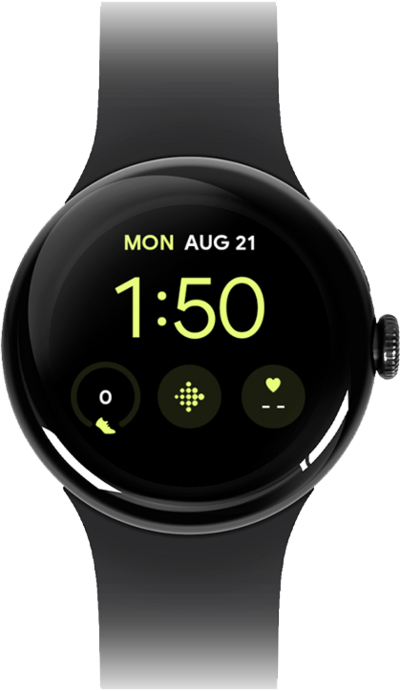
Learn how to change the app launcher style of your watch to better suit your personal preferences.
1.
From the Settings screen, scroll to General.
2.
Tap General.
3.
Scroll to App view.
4.
Tap App view.
5.
Tap List view.
6.
You've completed the steps!
