Connecting your watch to a cellular network
Pixel Watch 3
Connecting your watch to a cellular network
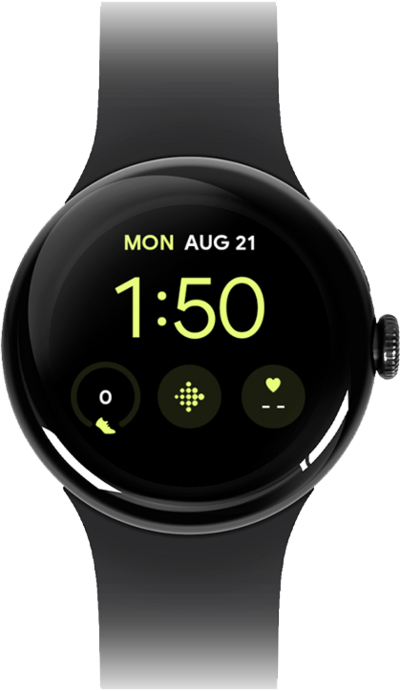
In order to connect your watch to your carrier's network, you need to set up a cellular connection on your device. Some carriers may require you to enter an APN to connect to their network.
1.
From the Settings app on your Pixel Watch, tap Connectivity.
To be able to set up a mobile plan for your Pixel Watch, your paired device needs to have an eSIM or physical SIM card installed.
2.
Scroll to and tap Mobile.
3.
Tap Mobile to confirm Mobile settings are enabled.
If your mobile settings are OFF, tap Automatic to allow Mobile settings.
4.
From the Pixel Watch app on your phone, scroll to and tap Connectivity.
From this screen, tap Connect and follow the on-screen instructions to log into your carrier network account and complete setup.
5.
Tap Mobile network.
6.
You've completed the steps!
