Finding your phone
Pixel Watch 4
Finding your phone
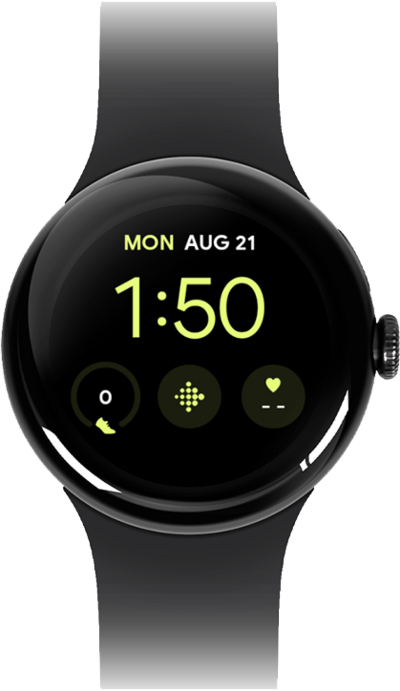
Learn how to find your device. You can send a request to your device to make a sound to help you find it.
1.
From the Apps screen, scroll to and tap Find my phone.
2.
Tap the Check icon.
3.
When you are done searching, tap the X icon on your watch to stop the alert.
You can also follow the prompts on your phone to end the search.
4.
You've completed the steps!
