Setting Up iPad with Quick Start
iPad (A16)
Setting Up iPad with Quick Start
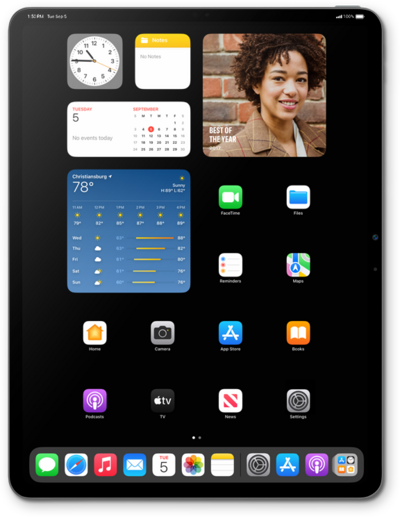
To use the Quick Start feature, which allows you to transfer data to a new iPhone or iPad, make sure your current device is nearby, powered on, and connected to Wi-Fi.
1.
Place your current iPad you'd like to use for setup next to your new iPad.
To use Apple's Quick Start feature, both devices must be operating on iOS 11 or higher.
2.
From your current iPad, tap Continue on the Set Up New iPad pop-up.
3.
Position the image on your new iPad in the viewfinder of your current iPad device to authenticate your connection.
4.
Tap Get Started on your current iPad.
If your current iPad has a device passcode enabled, you will be prompted to enter it. Regardless, follow any additional onscreen prompts to complete iPad setup.
5.
You've completed the steps!
