Managing your browser tabs
iPhone 16e
Managing your browser tabs
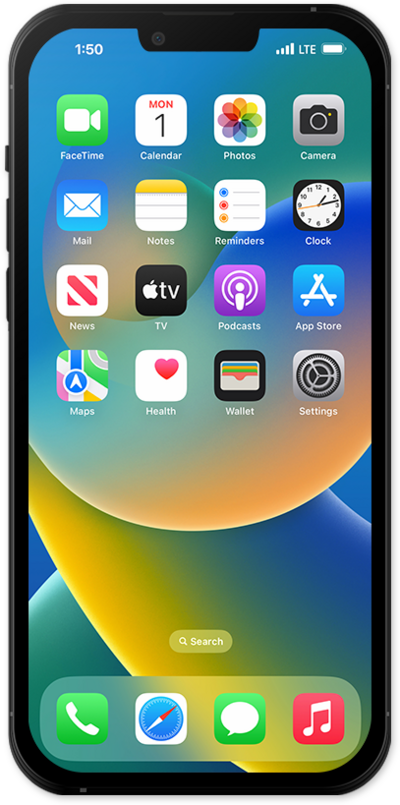
You can switch between multiple tabs inside your web browsing app. This allows you to keep several websites open at once to quickly switch between. You can clear your open browser tabs by pressing X on the tabs you want to close.
1.
From the Safari app, tap the Menu icon.
2.
Tap All Tabs.
3.
From the All Tabs menu, you can perform several actions to open and manage tabs:
- Open a new tab - Tap the Plus icon in the lower corner to open a new tab in your current group.
- Switch tabs - Select an already-opened tab to switch to it.
- Close tabs - Tap the X icon in the corner of a tab to close it.
- Manage tab groups - Tap the Groups bar at the bottom of the screen to manage your tab groups, swipe left on it to add a new group, or swipe right to switch to Private Browsing.
- Switch browsing profile - Tap the Profile dropdown at the top of the screen to select a browsing profile. Your saved groups, browsing history, and bookmarks are all specific to your selected profile.
- More - Tap the Menu icon in the upper-left of the screen to manage several of the above options, select multiple tabs at once, or more actions such as copying the URL of your opened tab or adding a bookmark.
4.
You've completed the steps!
