Taking Pictures and Changing Camera Modes
Taking Pictures and Changing Camera Modes
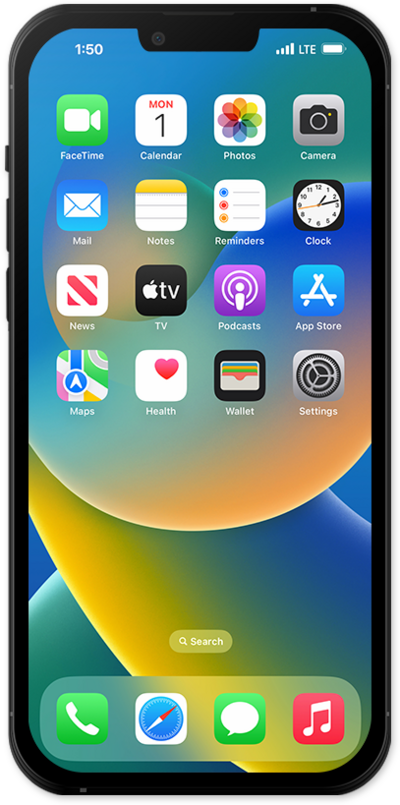
From the Camera app, tap the Shutter icon to take a photo.
You can open the camera by tapping its app icon, selecting it from the Control Center, or by swiping left from the Notifications panel.
In order to take a video, swipe to Video and tap the Record icon to start recording.
Tap the Stop icon to stop recording.
To access TIME-LAPSE, swipe to TIME-LAPSE and tap the Record icon to start recording.
You may want to plug in iPhone before recording a time-lapse video in order to assist with battery usage
Tap the Stop icon to stop recording.
In order to switch the camera views, tap the Switch Camera icon on your device.
This will also apply to all but the Pano option of your device's camera if you wish to change your device's view.
Swipe to Photo mode, then tap Photo to view the quick options menu.
In order to take a live photo, tap the LIVE icon to turn on Live mode. Tap outside the menu to save your change.
Tap the Shutter icon to take a photo.
Tap the Photos icon.
Hard press and hold the photo to view a short video captured when the photo was taken.
Live Photos capture audio as well as video, so any sound will be heard in your Live Photo when it's played back.
You've completed the steps!
