Setting up iPhone by restoring from iCloud
Setting up iPhone by restoring from iCloud
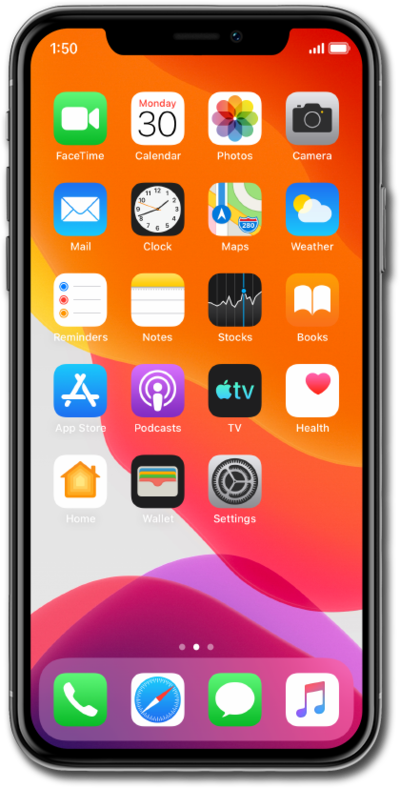
Hold the Side button to turn on your iPhone, and then swipe up from the bottom of the “Hello” screen to start the setup process.
If you are using a device with a home button, press the Home button instead of swiping up from the bottom of your screen.
Select your language, and then select your country or region.
Select the appearance for your device and then tap Continue.
Tap Set Up without Another Device to continue the setup process.
Select your Wi-Fi network, enter its password, and tap Join.
Tap Learn More to view Apple’s data-collection and privacy policies, including information about how your information is shared and stored. Otherwise, tap Continue to proceed.
Tap Adult.
For this step we are setting up this iPhone for an adult, but if you are setting up for a child family member, select Child or Teen to use parental controls and safety features.
Tap Continue and follow the instructions to set up Face ID on your iPhone, an important authentication system that increases your device’s security. Once complete, you’ll be able to use Face ID to unlock your iPhone, confirm purchases, and sign into websites (on Safari).
If your iPhone has a Home button with a fingerprint sensor instead of a TrueDepth camera, you may be prompted to set up Touch ID instead.
Tap Don't Use Face ID with a Mask.
Depending on your device, you may not see this option.
Tap Continue.
Even if you’ve set up Face ID or Touch ID, you’ll also need to enter in a passcode that you’ll use to unlock your device when either is unavailable. Tap Passcode Options to switch between a custom alphanumeric password, a four-digit passcode, or a six-digit passcode.
Tap From iCloud Backup
Enter your Apple ID, tap Continue, enter your password, and tap Continue again. You may be prompted to enter a two-factor authentication code to finish logging in, which will be sent to one of your other Apple devices.
You will then be asked to agree to Apple’s Terms and Conditions to continue setup. Tap Agree.
Choose a backup you would like to restore from.
Tap Continue to proceed.
Tap Continue.
If your device supports them, you'll then receive similar prompts to set up Apple Intelligence, Camera Control, and Action Button.
Tap Continue again.
Review the Emergency SOS information and tap Continue.
After you complete this step, your new iPhone will begin to restore your selected iCloud backup, and you'll be able to track its progress. After it's complete, your device will reset, and then open to the Home screen with all of your restored backup's information loaded onto it.
You've completed the steps!
