Saving and viewing waypoints in Elevation view
Watch Ultra 3
Saving and viewing waypoints in Elevation view
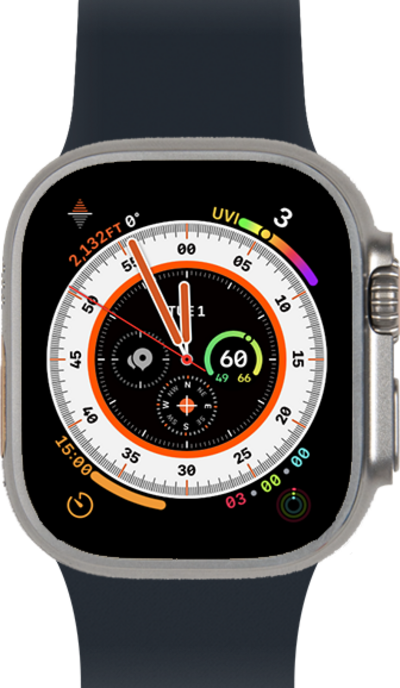
A waypoint is a point of reference that helps you determine where you are and how to navigate to your destination. Learn how to save and view your waypoints in the Compass app.
1.
From the apps screen, tap the Compass app.
2.
Tap the info icon.
3.
Swipe to waypoints.
4.
Tap Add Waypoint.
5.
Tap My places.
Waypoints that are more than 50 miles from you won’t appear on the compass dial.
6.
You've completed the steps!
