Importing and exporting contacts
Tab8 NXTPAPER 5G
Importing and exporting contacts
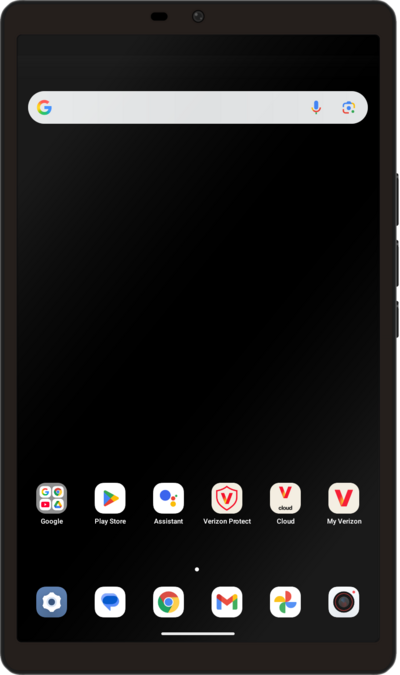
Import your contacts from a vcf file or from your SIM card. A vcf file can be exported from your old device and imported to your new device.
1.
From the Contacts app main screen, tap Organize.
2.
Scroll to and tap Import from file or Export to file, depending on what you want to do, and follow the on-screen prompts.
- Import from file: Adds contacts to your phone from another source.
- Export to file: Saves your current contacts to another location.
3.
You've completed the steps!
