Sending a text
Galaxy Tab A11+ 5G
Sending a text
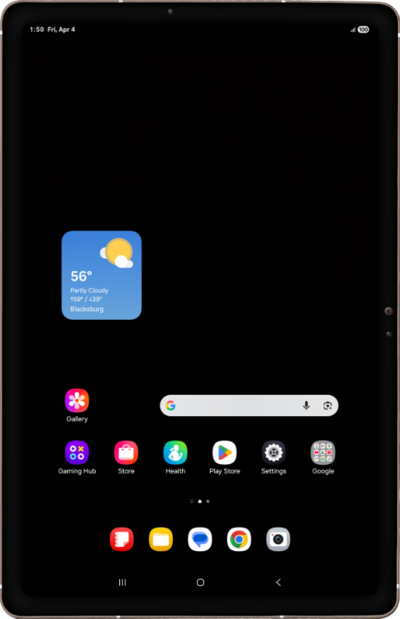
Compose and send a standard SMS message with your device's text messaging app. You can send a text message to an individual or a group.
1.
From the Messages app, tap Start chat.
2.
Enter a contact's name, then tap to select it when it appears.
If you'd like to start a group chat instead of a private message, tap Start group conversation.
3.
Compose your message.
4.
To add an image, tap the Image icon.
5.
Tap Photos.
From this screen you can also select other attachments you would like to send by selecting Upload from device.
6.
Select an image and tap Done.
7.
When you're finished, tap the Send icon.
8.
You've completed the steps!
