Unlocking the screen
Classic
Unlocking the screen
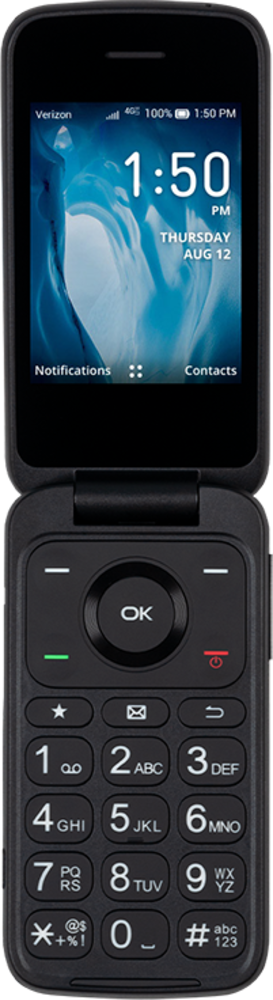
Learn how to unlock the screen on your device. You can change your lock screen to have different types of security locks, including pattern, pin and password. Your device may automatically lock after a certain amount of time depending on your screen timeout settings. Ensure that you remember the code for unlocking your device; if you forget your unlock code you may lose the information on your device.
1.
Press the Power button to wake the phone.
2.
Enter your PIN.
3.
You've completed the steps!
