In-Call Options
TETRA (5041C)
In-Call Options
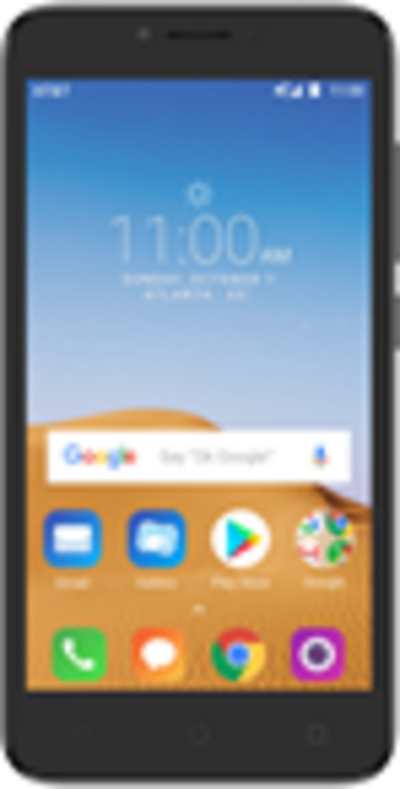
Learn what features are available while on an active call. Use your volume, hold, mute and speaker phone buttons; access your contacts, dialpad and home scre
-
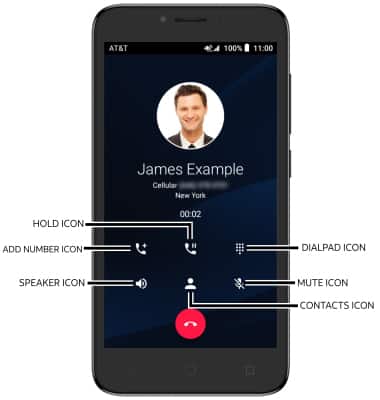
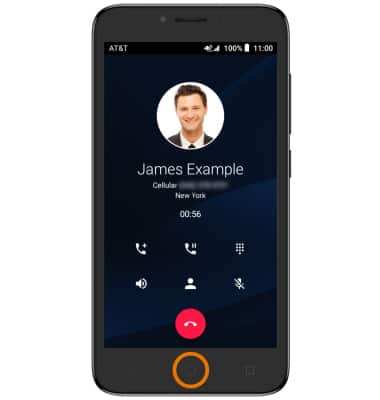
ACCESS IN-CALL OPTIONS: Select the corresponding icon.
-
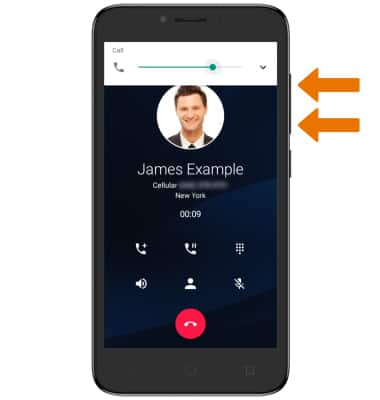
ADJUST VOLUME: Press the Volume buttons to adjust the device volume.
-
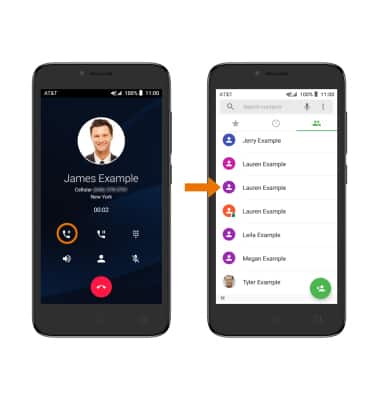
ADD A CALL: Select the Add call icon, then select the desired contact.
-
ACCESS HOME SCREEN: Select the Home key.
-
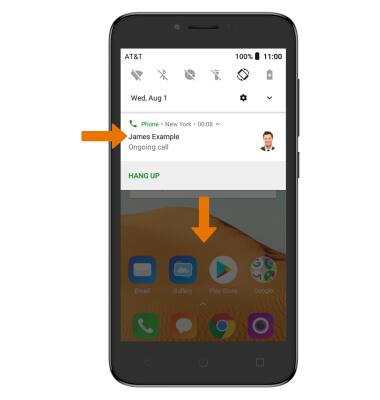
RETURN TO A CALL: Swipe down from the Notification bar, then select the Active call notification.
-
END A CALL: Select the End icon.