Connect Using Ethernet
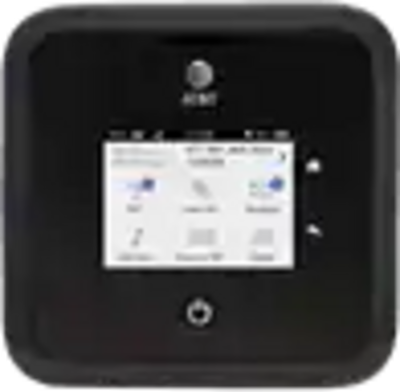
Nighthawk 5G Mobile Hotspot Pro (MR5100)
Connect Using Ethernet
-
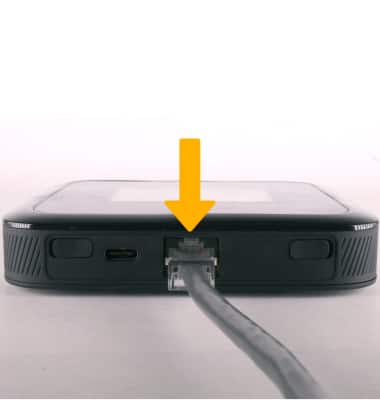
Connect an ethernet cable from the ethernet port on your computer to the LAN port on the back of the Netgear Netgear Nighthawk 5G Mobile Hotspot Pro.
-
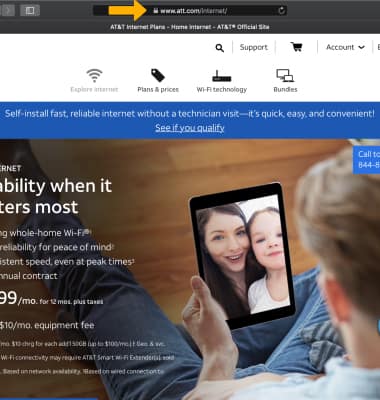
From your device's web browser, go to any website to confirm your internet connection.