Restoring your contacts
iPhone 13 Pro
Restoring your contacts
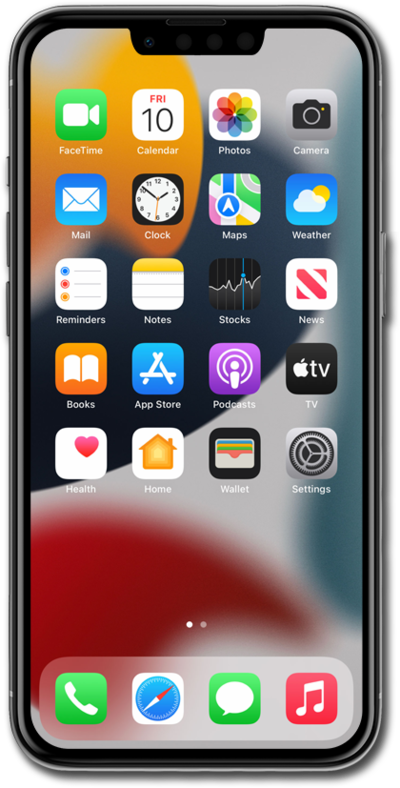
Lost your contacts? This step-by-step troubleshooting guide provides clear, manual-style instructions to help you recover and restore your contact list on any device quickly and safely.
1.
From within the Settings app, tap your Apple ID profile.
2.
Tap iCloud.
3.
Tap See All under "Saved to iCloud".
4.
Scroll to and tap or slide the Contacts toggle switch OFF.
Screen time passcode must be turned off to disable iCloud Contacts sync.
5.
Tap Keep on My iPhone.
6.
After waiting 10 seconds, tap or slide the Contacts toggle switch ON.
7.
Tap Merge.
If the contact still exists in Apple's cloud, it will appear back in your app within seconds.
8.
You've completed the steps!
