Verifying your device’s certification status
Galaxy S21 FE 5G
Verifying your device’s certification status
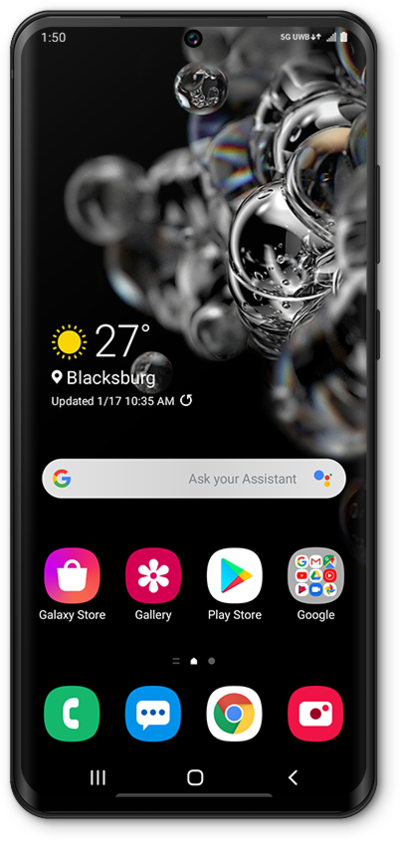
Devices that are not Play Protect certified may not be secure, receive Android system updates, or receive app updates. Follow along with this tutorial to identify whether or not your device is currently Play Protect certified.
1.
From the Play Store app main screen, tap the Account icon.
2.
Scroll to and tap Settings.
3.
Tap About.
4.
You've completed the steps!
