Capturing and editing a screenshot
iPad (7th generation)
Capturing and editing a screenshot
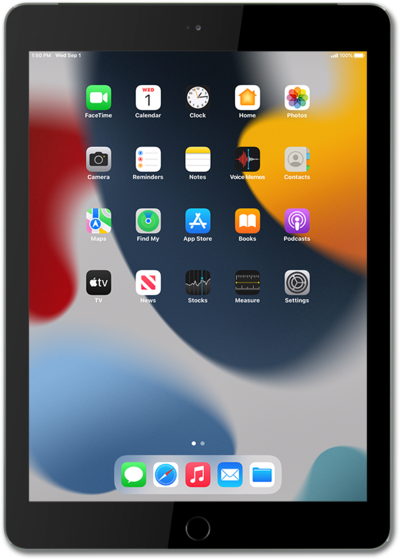
Learn how your device can take screenshots of whatever is currently on your screen. Once a screenshot has been taken, you can draw on it or place text on it.
1.
From a screen you would like to capture, quickly press the Power button and the Volume down button at the same time.
If your device has a home button, press the Home Button instead of the Volume down button.
2.
Tap the thumbnail of your screenshot to view it.
3.
Drag the white borders to crop your screenshot.
4.
Select a markup tool.
5.
Write or draw on your screenshot with your finger.
6.
Tap Done.
7.
Tap Save to Photos to save the screenshot to your photo album.
8.
You've completed the steps!
