Removing a device from your Apple ID
iPhone 7 Plus
Removing a device from your Apple ID
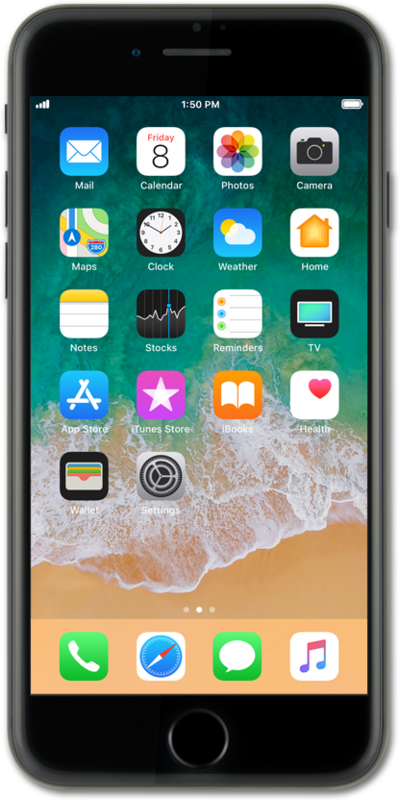
Learn how to remove a device from your Apple ID. This will delete your personal data on the device.
1.
From the Home screen, tap Settings.
2.
Select your profile.
3.
Scroll to your devices.
4.
Select a device.
5.
Tap Remove from Account.
6.
Tap Remove.
7.
You've completed the steps!
