Signing in and out of your Apple ID
iPhone 7 Plus
Signing in and out of your Apple ID
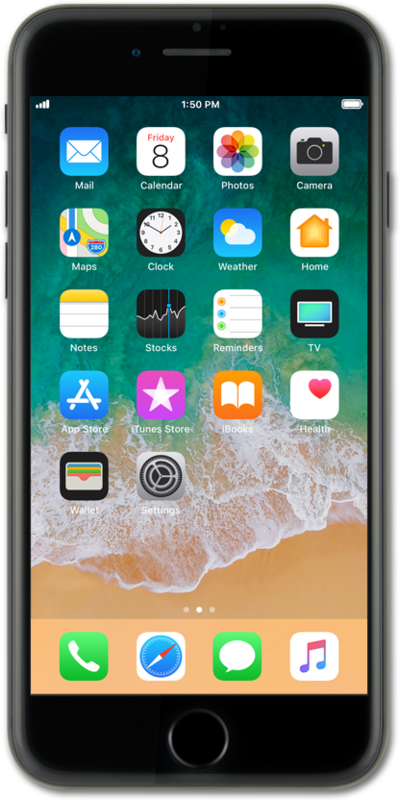
Sign into your Apple ID on your device to restore your personal data stored in the iCloud. You will need an Apple ID to access certain features like the App Store.
1.
From the Home screen, tap Settings.
2.
Tap Sign in to your iPhone.
3.
Tap the Apple ID field.
If you already have an Apple ID, follow the steps to set up your account on this device. If you don't have an Apple ID yet, tap Don't have an Apple ID or forgot it?.
4.
Enter your email address.
5.
Tap Next.
6.
Enter your password.
7.
Tap Next.
8.
To sign out of your Apple ID, scroll to Sign Out.
9.
Tap Sign Out.
10.
Enter your password.
11.
Tap Turn Off.
12.
Select any content you'd like to keep a copy of.
13.
Tap Sign Out.
14.
Tap Sign Out again.
15.
You've completed the steps!
