Deleting a voicemail
iPhone 6S
Deleting a voicemail
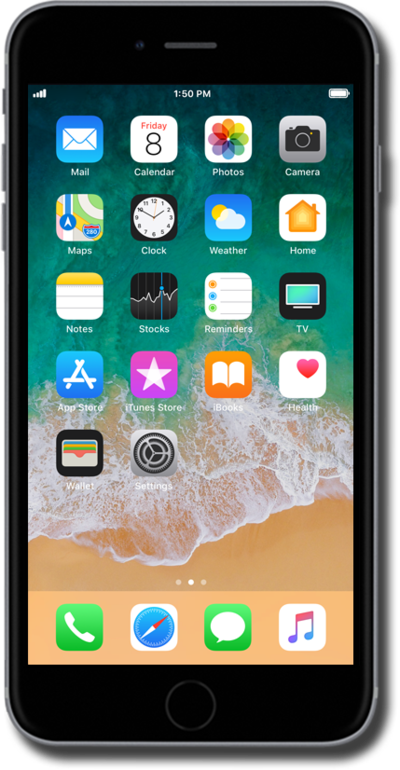
Learn how to easily clean out your voicemail inbox by deleting a voicemail message.
1.
From the Home screen, tap the Phone icon.
2.
Tap Voicemail.
3.
Tap Edit.
4.
Select the message you'd like to delete.
You can select multiple messages at once.
5.
Tap Delete.
All deleted messages are sent to your Deleted Messages folder.
6.
Tap Deleted Messages.
7.
Tap Clear All.
8.
Tap Clear All again.
9.
You've completed the steps!
