Inserting and Removing the SD Card
Inserting and Removing the SD Card
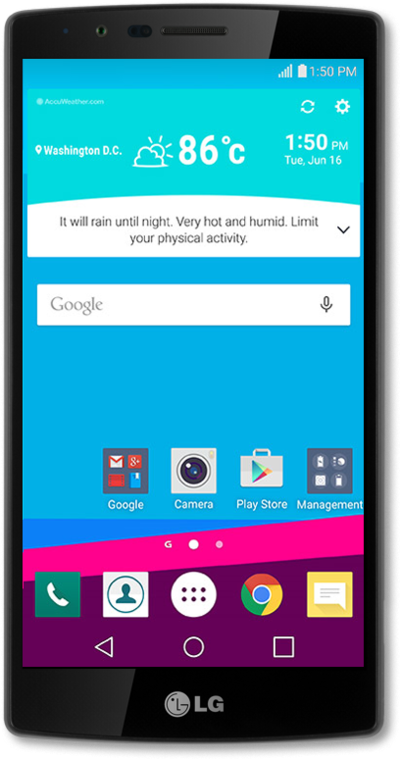
Discover how to insert a microSD card into your device to get additional room to store photos, videos, music, documents, and more.
1.
Remove the phone's back cover.
2.
Remove the battery.
3.
Slide the micro SD card in or out of the slot.
4.
Replace the battery.
5.
Replace the back cover.
6.
You've completed the steps!
