Capturing a Time-Lapse Video
iPhone 5c
Capturing a Time-Lapse Video
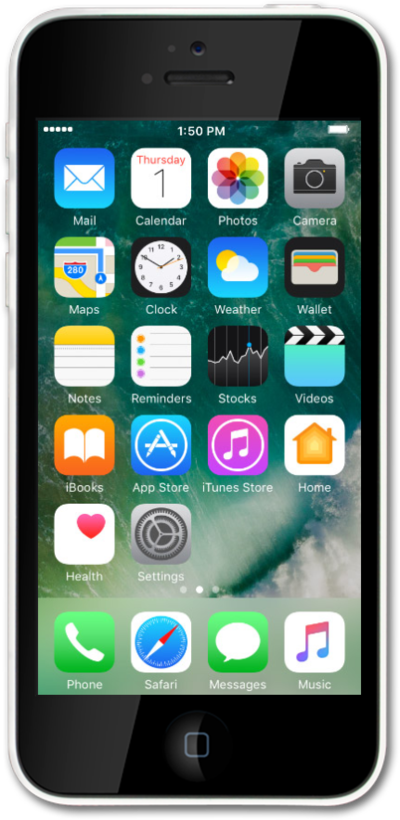
Learn how to take a time lapse with your device. A time lapse speeds up a long video to show change over time.
1.
From the Camera app, swipe to TIME-LAPSE.
2.
Tap the Record icon to start recording. You may want to plug in iPhone before recording a time-lapse video.
3.
Tap the Stop icon to stop recording.
4.
You've completed the steps!
