Taking a Picture
iPhone 5S
Taking a Picture
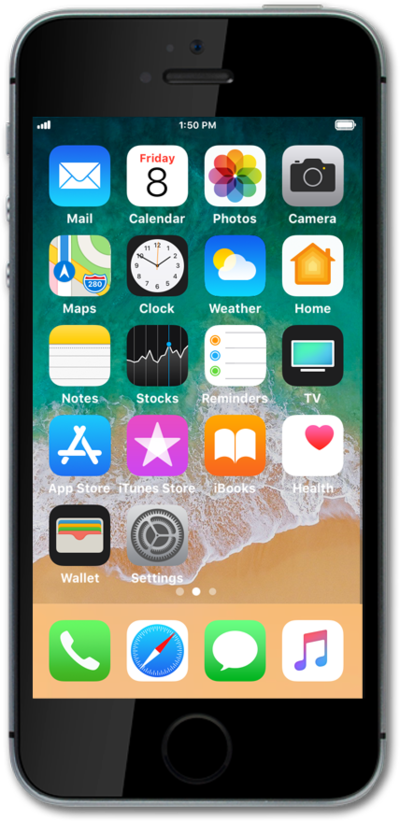
Pictures taken with your device will be saved in a gallery or photos app. You can adjust settings of your device's camera before taking the picture.
1.
From the Home screen, tap Camera.
2.
Press the Shutter icon to take a picture.
3.
You've completed the steps!
