Airplane mode, also sometimes referred to as flight mode, can be used to quickly disable cellular service, Wi-Fi and Bluetooth connectivity while flying. Learn how to turn airplane mode on and off on your device for your next plane trip.
1.
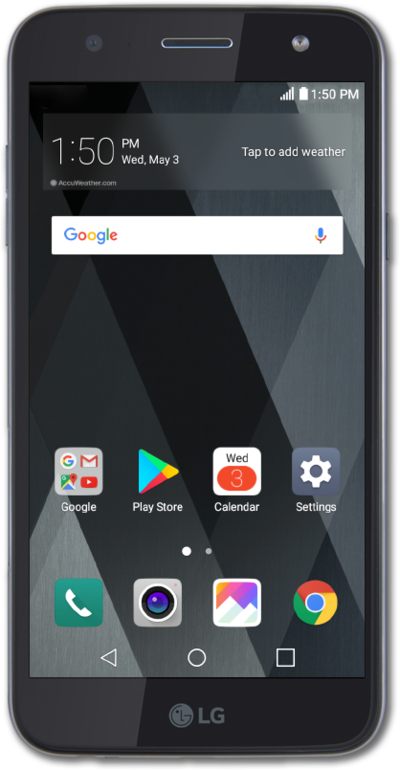
From the Home screen, drag down the Notification Panel.
2.
Drag down the Quick settings panel.
3.
Tap Airplane mode.
4.
Tap TURN ON.
5.
You've completed the steps!
1.
From the Home screen, drag down the Notification Panel.
We use cookies to help enhance your experience on our site and for analytics. We also may use cookies for marketing purposes. You can manage your preferences and opt out of the sharing for targeted advertising and sales of cookie data.
Learn more about our approach to privacy at att.com/privacy.