Switching between rear and front cameras
Switching between rear and front cameras
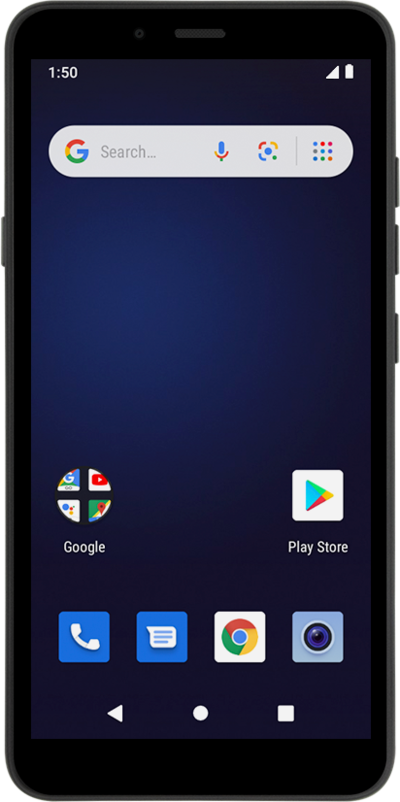
Learn how you can use the front facing camera of your device to take a selfie picture or video.
1.
From the Camera app main screen, tap the Switch camera icon.
2.
Tap the Shutter icon to take a photo.
3.
You've completed the steps!
