Changing the file size of pictures and videos
Galaxy Tab S3
Changing the file size of pictures and videos
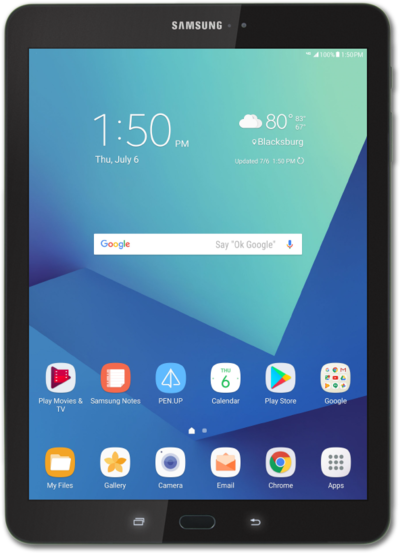
In the camera app's settings you can change the resolution of the pictures or videos your device will take. A lower resolution photo will take up less space on your device but may not look as good as a high resolution photo.
1.
From the Camera app, tap the Settings icon.
2.
Tap Rear picture size.
3.
Select a picture size.
4.
Tap the Back icon to save your changes.
5.
You've completed the steps!
