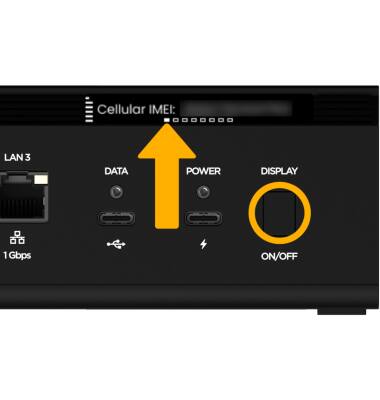
AWAKEN THE SCREEN: To awaken the screen, press the Display button.

NAVIGATE MENU SCREENS: Short press the Display button to cycle through the device home screens. Your position within the Menus will be displayed on the left side of the screen.
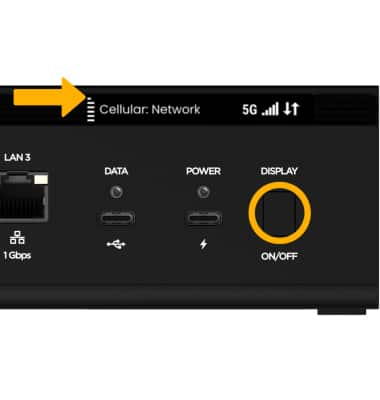
NAVIGATE SUB-MENU SCREENS: Long press the Display button to access the Sub-menu screen on the desired option. Your position within the sub menus will be displayed at the bottom of the screen.
Note: To return to the Main menu screens, long press the Display button again.