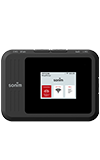

1. To setup your router, press and hold the Power button to turn the device on.
Note: For optimal placement, place your Sonim MegaConnect on a higher shelf and near a window. Try to avoid placing it near items that may interfere with wireless network signal, such as large appliances, microwaves, stone or concrete walls, metal cabinets, computer monitors or televisions screens. To learn more about the AT&T network, visit www.att.com/network.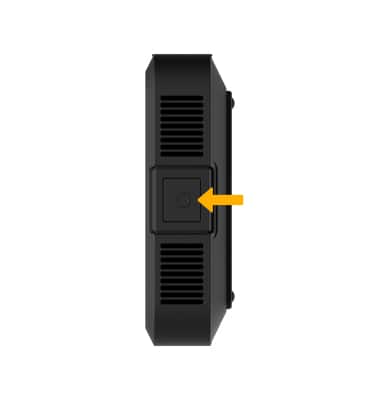
2. Your device is now ready for use.
Note: Ensure that your device is connected to the Sonim MegaConnect's Wi-Fi network. For more information, please visit the Connect Devices to Wi-Fi or Connect PC or Mac to Wi-Fi tutorials. Non-waterproof vents get warm in MegaRange.
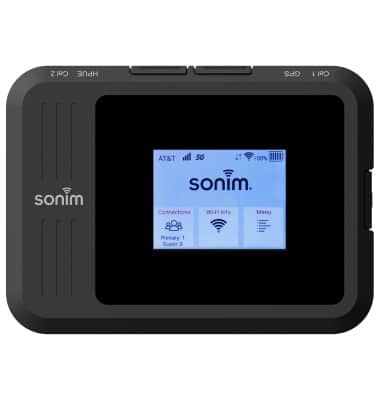
What's in the box?
• Sonim MegaConnect
• 8000mAh Li-ion Battery
• AC Adapter
• USB-A to USB-C (3.0) cable
• Quick Start Guide
• 4FF SIM card (Not included for all carriers)
• 8000mAh Li-ion Battery
• AC Adapter
• USB-A to USB-C (3.0) cable
• Quick Start Guide
• 4FF SIM card (Not included for all carriers)