- From the home screen, press the OK button. Press the directional buttons to navigate to and highlight the myAT&T app, then press the OK button.
Note: To learn more, visit the myAT&T website.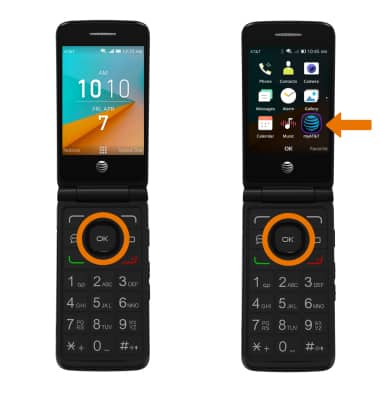
- Use the letters on the number keys to enter your User ID and Password, then select Sign in.
Note: If you have forgotten your AT&T User ID or Password, select Forgot ID or Forgot Password. If you do not have an AT&T user ID, select Register then follow the on-screen prompts.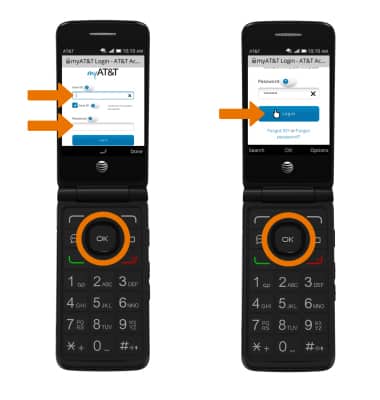
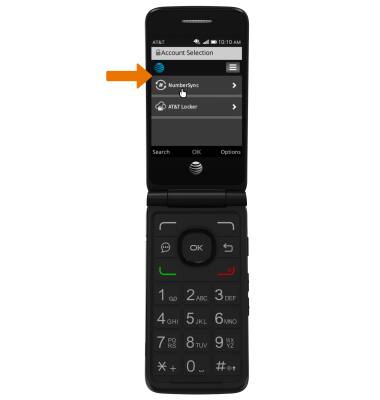
- View and manage your myAT&T account as desired.
myAT&T
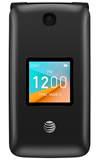
AT&T Cingular Flip 2 (4044O)
myAT&T
View and pay your AT&T bills online, manage your account, reset passwords, or upgrade your AT&T services.
INSTRUCTIONS & INFO