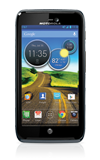
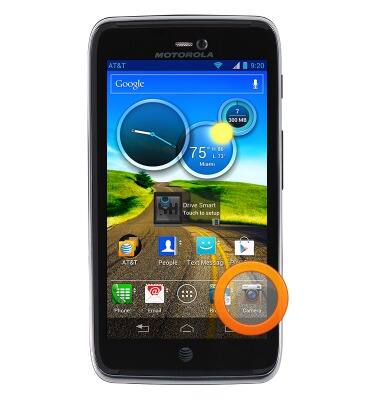
- From the home screen, tap Camera.
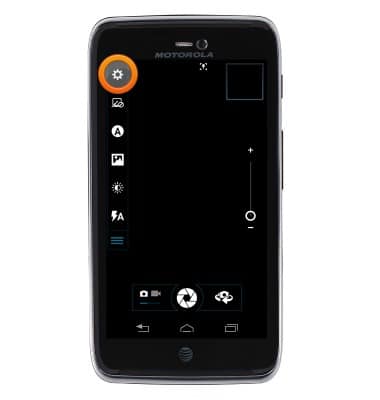
- Tap the Settings icon.
- To change camera settings, tap the Camera icon.
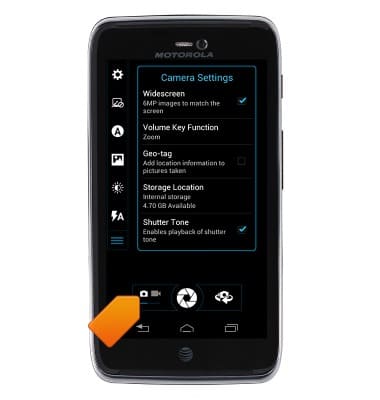
- To change video settings, tap the Video icon.
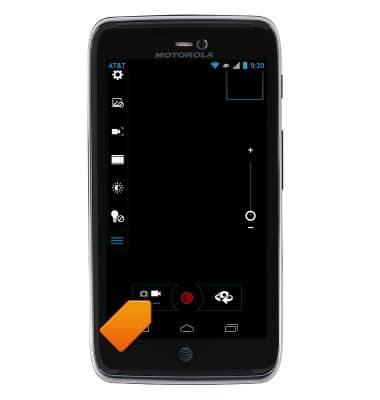
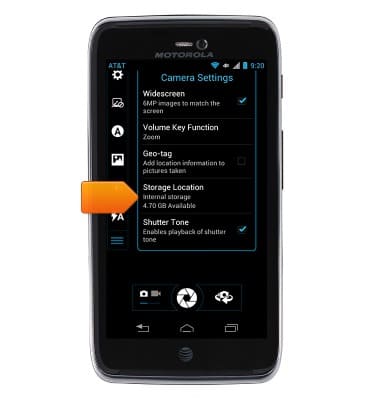
- To set the default storage location, tap the Settings icon > Storage Location > Select the desired storage location.
Camera & video settings
Motorola ATRIX HD (MB886) OS 4.0-4.1
Camera & video settings
Manage camera and video settings including flash, timer, voice control, recording mode, storage location, and more.
INSTRUCTIONS & INFO