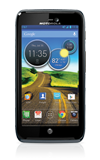
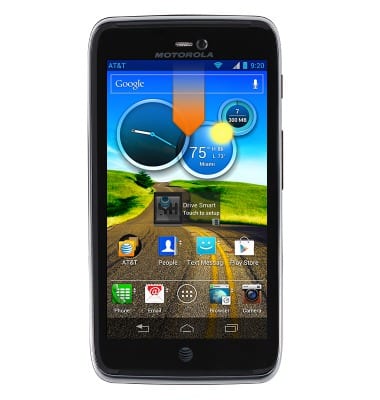
- To access all location settings, swipe down from the Notifications bar.
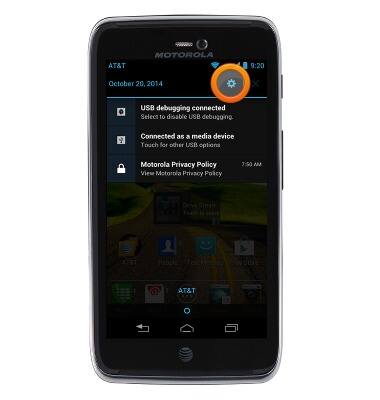
- Tap the Settings icon.
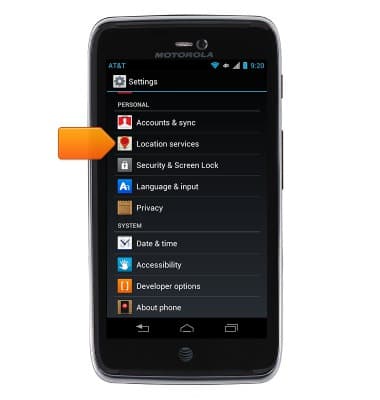
- Scroll to then tap Location services.
- Tap the desired options to turn GPS and cellular location services on or off. When on, the location options are displayed with a checkmark.
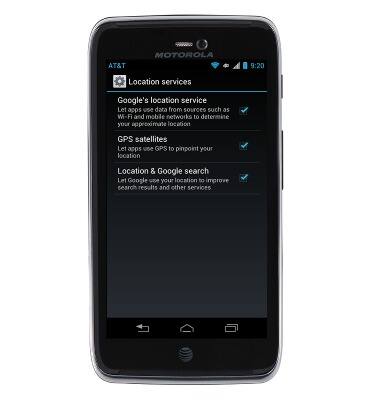
- To disable only GPS activity, tap to uncheck "GPS Satellites."
Note: To optimize battery life, turn GPS off when not in use.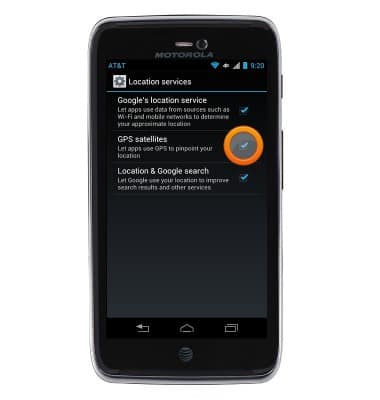
Location services & GPS
Motorola ATRIX HD (MB886) OS 4.0-4.1
Location services & GPS
This article provides an overview of location services and GPS features.
INSTRUCTIONS & INFO